Save up to 50% today!

UI/UX Design Guide for Beginners: Learn UI and UX Design Basics
Learn the basics of UI/UX design in this beginner-friendly guide. Understand the difference between UI and UX, explore popular design tools, and discover how to start a career in UI/UX design.
Miruthula VIB
3/7/20261 min read
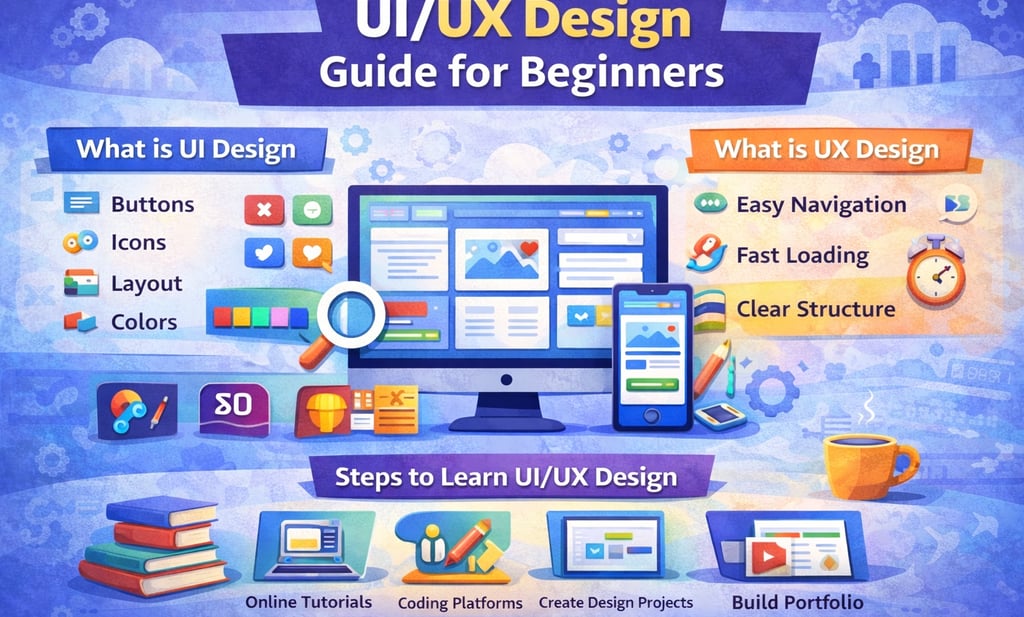
UI/UX Design Guide for Beginners
UI/UX design focuses on creating digital products that are visually appealing and easy to use.
What is UI Design
UI stands for User Interface. It refers to the visual elements that users interact with when using a website or mobile application.
Examples include:
Buttons
Icons
Layout design
Color schemes
What is UX Design
UX stands for User Experience. It focuses on improving how users feel when interacting with a product.
Examples include:
Easy navigation
Fast loading speed
Clear website structure
Why UI/UX Design is Important
UI/UX design plays a crucial role in the success of digital products.
Benefits include:
Better user experience
Higher customer satisfaction
Improved usability
Tools for UI/UX Design
Popular UI/UX design tools include:
Figma
Adobe XD
Sketch
Steps to Learn UI/UX Design
Beginners can follow these steps:
Learn design fundamentals
Practice using UI design tools
Create design projects
Build a professional portfolio
Conclusion
UI/UX design is an important skill for creating successful digital products. By learning design principles and practicing regularly, beginners can build a career in UI/UX design.